Smadav
Smadav Antivirus for the solid protection of your System. It is used for extra protection for USB, and Memory card

Safe & Secure
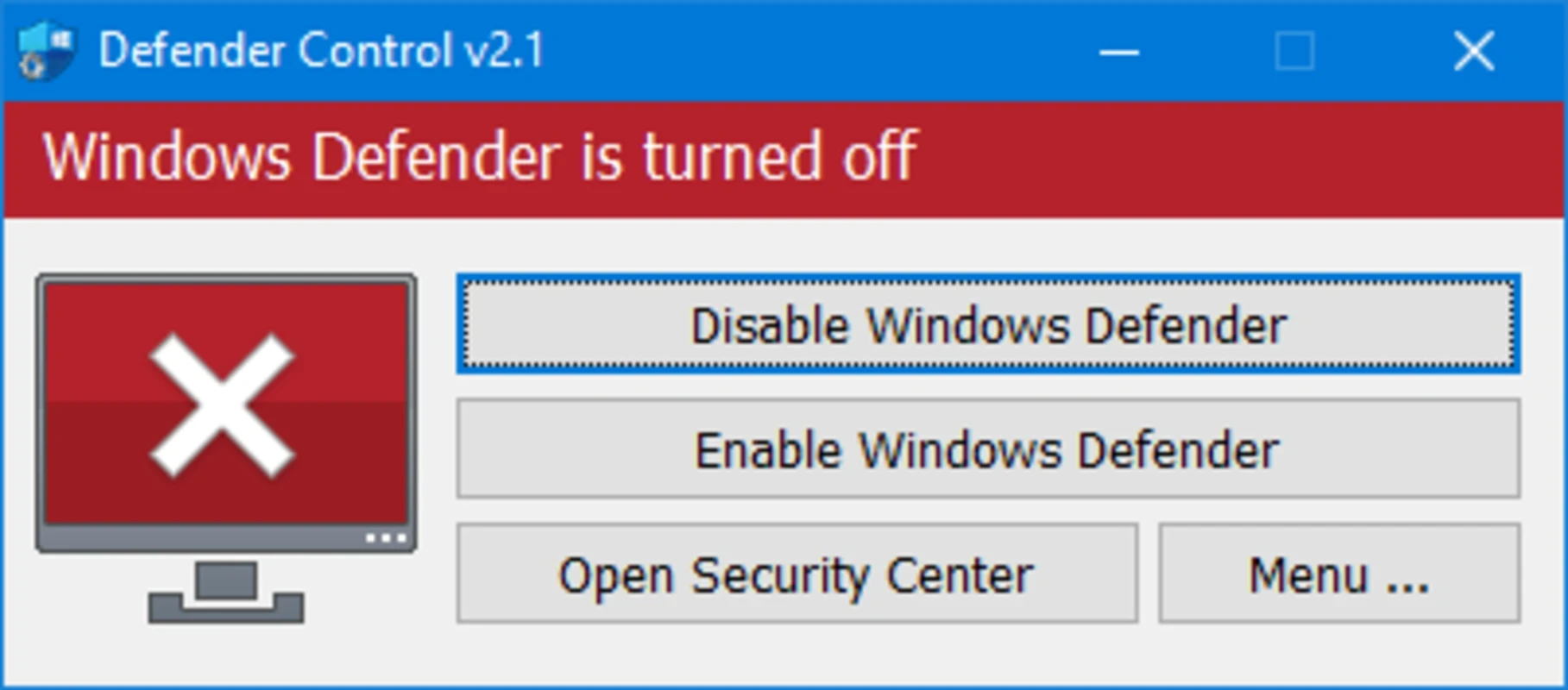
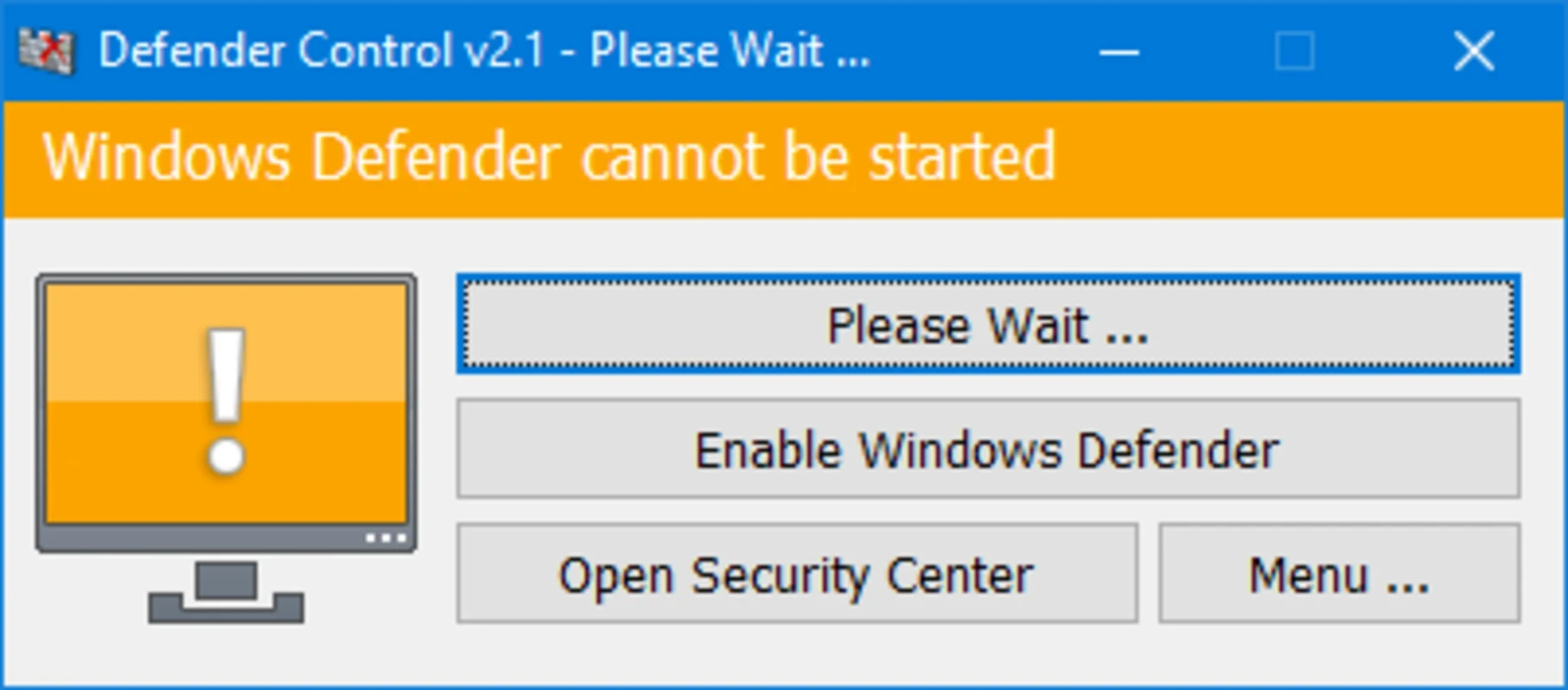
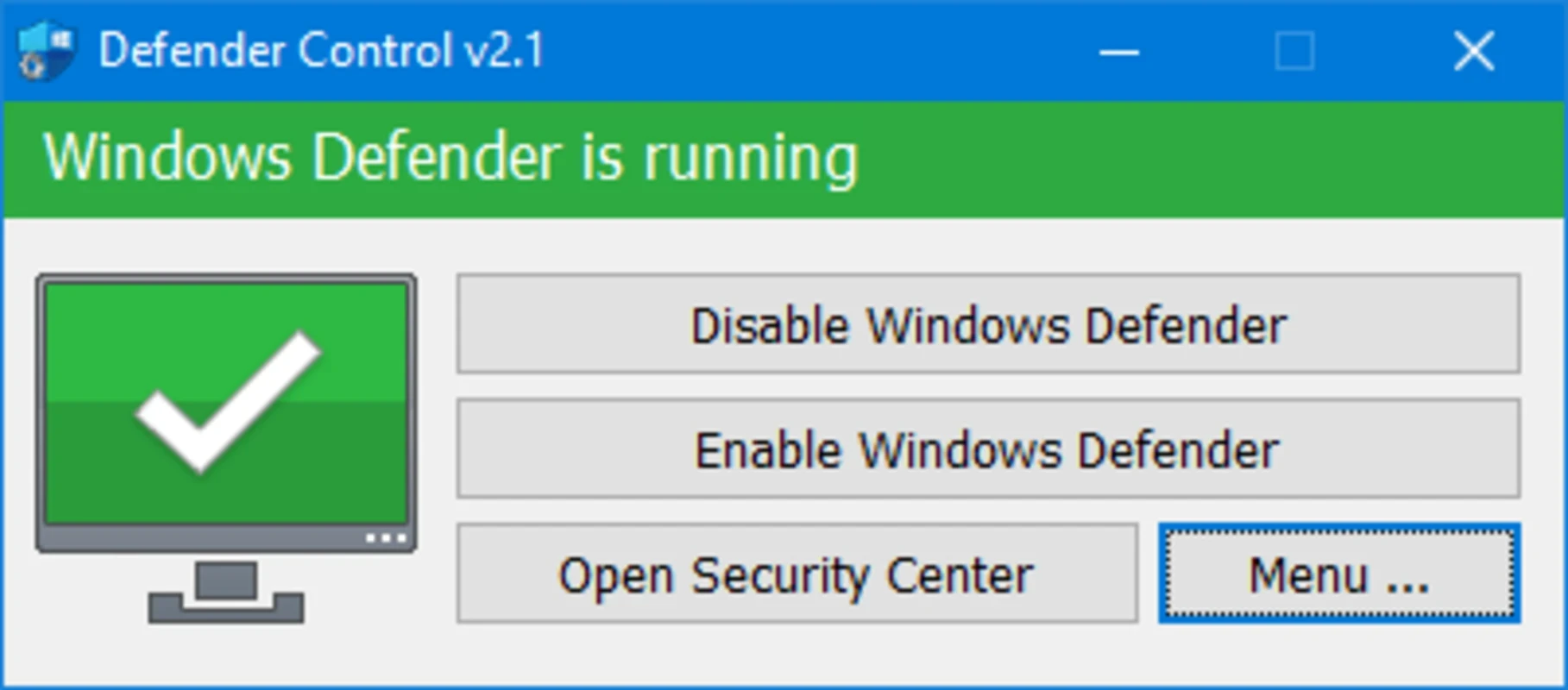
Defender Control is a comprehensive, portable tool to offer hassle-free disabling and re-enabling of Microsoft Defender, directly interacting with the system settings. It prevents the built-in antivirus software from running by default, offering the best services to IT professionals. However, it has to face the limitations imposed by Windows.
The lightweight solution helps to adjust built-in defenses within enhanced operational flexibility, offering effective troubleshooting even in a diverse computing ecosystem. You need to delve into complex configurations; instead, use indispensable software to enjoy dynamic network security.
Defender Control, developed by Sordum.org, falls under the Security category and is freeware software. It helps to avoid vendor lock-in, making the security configurations quickly accessible. The cross-platform offers awesome services to manage the maintenance process, minimizing downtime, and optimizing resources to evolve IT infrastructures.
As we know, Windows Defender is an integrated program in the operating system and cannot be uninstalled. In case of using other more advanced antivirus software, you need to deactivate it, and require an effective solution such as Defender Control to disable the built-in Defender without the hassle of facing conflicts between the protection software.
Windows operating systems have a built-in antivirus program, called Windows Defender from Vista onwards. It is available by default, and users have to face multiple conflict issues, if they also use some other third-party advanced antivirus program. The app offers a comprehensive one-click option to turn it off/on hassle-free. It makes it possible to disable/enable real-time protection of Windows Defender according to your requirements.
If you have another third-party antivirus software like Norton, Avast, or Bitdefender along with Microsoft Defender, you may encounter conflicts between the default and your preferred antivirus program. The default utility also drains a lot of resources, especially on a lower-end PC. The app easily disables the Defender program to prevent potential clashes and allows you to enjoy smooth operation with your desired antivirus program.
Windows Defender utilizes a lot of system resources, making other workflows a little bit slow, specifically when you transfer data between your device and other flash drives. So, when you disable the Microsoft Defender, copy the large amounts of data from PC to a USB device, and complete the entire process quickly while reducing the total copy time. You can improve the data transfer process while disabling Defender temporarily, as in the way, it can allocate more system resources to the data transfer process.
The portable capability helps to avoid standard installation or configuration; instead, it decompresses the archive in the selected location on your hard drive. Upon launching the app, you will meet with a minimalistic GUI, offering all primary functions. On the main screen, you will find two separate controls: red and green, to activate and deactivate the Defender. Both buttons show the current status at a glance. You can add Defender Control to the antivirus exclusion list to prevent false positives.
The app frequently receives updates, and capable of automatically checking for updates, instead of manually updating it. It is reliably updated to the latest version, ensuring optimal performance and security. Moreover, it is a convenient and reliable program to streamline efficient system performance, even on lower-end machines. It also helps to control the antivirus behavior while combining simplicity and flexibility.
The app features reliable security controls, making it one of the safest utilities to ensure stable protection without disrupting workflows. No doubt, multiple advanced firewall managers or comprehensive security software offer extensive features, but they have complicated routine adjustments. Compared to them, the app offers a simple and efficient solution for IT professionals with multiple essential security controls.
The app offers all essential features to provide a convenient and straightforward way of disabling Defender and reliably controlling system security. It is the best solution to avoid the automatic starting of Microsoft Defender while booting your PC. It will help you to manage multiple tasks, such as spyware protection, utilize alternative security measures, reclaim system resources, and customizing of your security setup.
Pros
Cons

Smadav Antivirus for the solid protection of your System. It is used for extra protection for USB, and Memory card

Avast Antivirus is the best antivirus program to save your system from virus, and any type of threat

Norton Antivirus multi-layered protection technology that can protect, detect, and remove all types of viruses from your system

AVG Antivirus is a powerful anti-virus program to ensure your online safety and security.

RKill is a lightweight app for scanning malware and enables the standard antivirus suit for cleaning the computer.

Trellix Stinger is a powerful platform with rootkit scanning that detects malware through next-generation scan technology.